My Tasks
My Tasks is where you track your assigned work across projects.
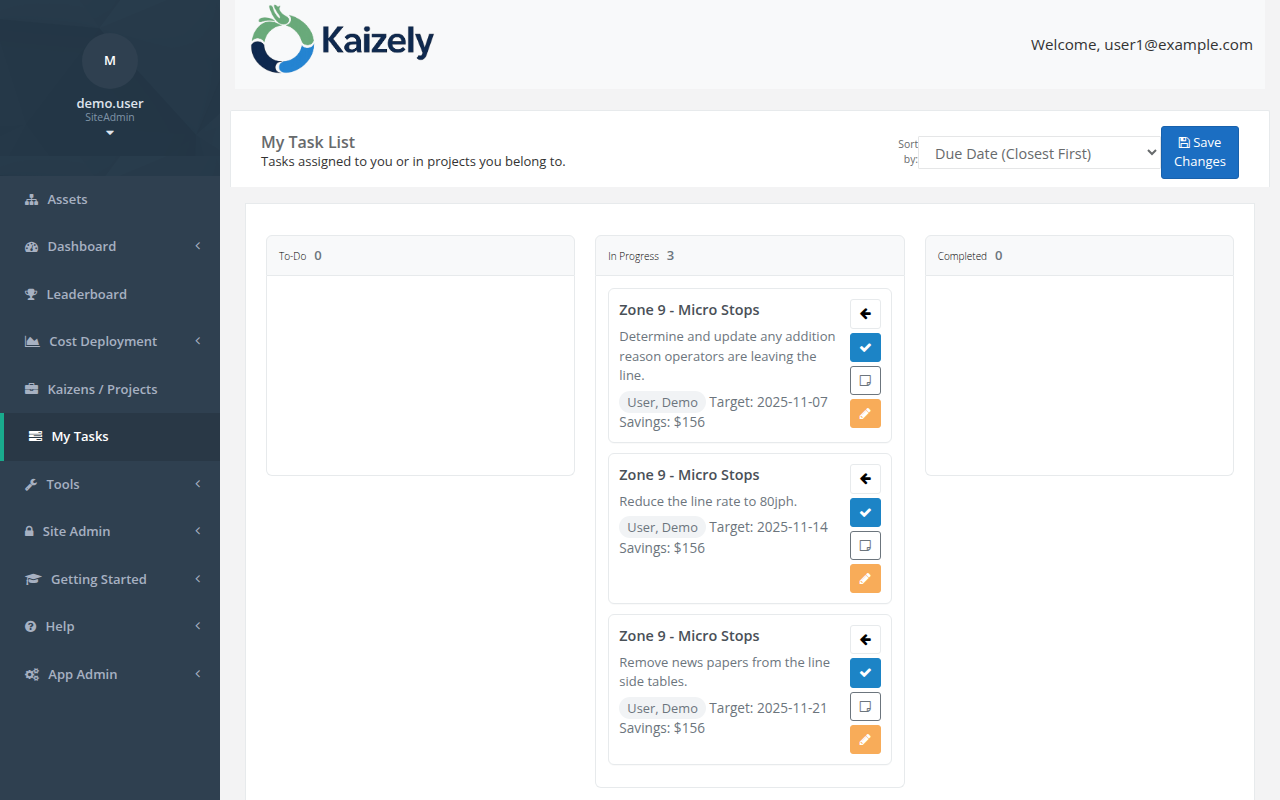 My Tasks — all tasks assigned to you, across all active projects.
Typical workflow
- Open My Tasks from the left nav.
- Review tasks assigned to you (often created from project countermeasures or action plans).
- Update status as you work through items.
Note: This page’s detailed behavior depends on how tasks are created/configured in your environment. If you tell me the expected columns/statuses, I can refine this doc.